Best Pokemon Card Scanner Apps (2026)
We tested them all so you do not have to.
By Misprint Editorial | Published Jan 12, 2026 | 11 min read
![]()
We wrote the original scanner roundup in early 2025. A lot has changed since then, and some of these apps are barely recognizable.
Back in early 2025, we published our original Pokemon card scanner roundup and it quickly became one of our most-read articles. That was over a year ago, though, and in the card scanning world, a year might as well be a decade. Apps have been updated, new players have entered the market, accuracy has improved (mostly), and some apps that were promising back then have stagnated or gone in weird directions.
So we're doing it again. We grabbed the same test stack we used last year — 200 cards ranging from commons to vintage holos to graded slabs to foreign language promos — and ran every major scanner app through its paces. We added 50 new test cards from recent sets like Destined Rivals and Prismatic Evolutions to keep things current.
Here's what we found.
How We Tested
Before we get into the individual apps, a quick word on methodology. We didn't just scan five cards and call it a day. Our test stack included:
- 60 common/uncommon modern cards (Scarlet & Violet era)
- 30 holos and reverse holos from various eras
- 25 ultra rares (EX, V, VMAX, VSTAR cards)
- 20 special illustration rares and alt arts
- 15 vintage cards (Base Set through Neo era)
- 15 Japanese cards
- 10 promo cards (McDonald's, Build-A-Bear, tournament promos)
- 10 graded slabs (PSA, CGC, BGS)
- 10 error/misprint cards
- 5 sealed products
We scanned each card three times per app to check for consistency. We timed scans. We compared the prices shown against actual recent sales data. And yes, this took us about three full days. You're welcome.
TCGPlayer App
The TCGPlayer app is still the default recommendation for most people, and honestly, it's earned that spot. The database is massive, the scan speed is fast, and the pricing pulls directly from TCGPlayer's marketplace, which means you're looking at real asking prices from actual sellers.
What's New in 2026
TCGPlayer pushed a significant update to their scanning engine in late 2025 that improved recognition for holographic cards. This was one of our biggest complaints last year — the app would frequently misidentify holos because the reflective surface threw off the image recognition. That's been largely fixed. We saw about a 15% improvement in holo identification accuracy compared to our 2025 tests.
They've also added a batch scanning mode where you can scan multiple cards in quick succession without confirming each one. This is a game-changer for processing large collections. We scanned 60 commons in about 8 minutes using batch mode, compared to roughly 20 minutes the old way.
Accuracy
- Common/uncommon identification: 97% accurate. Nearly flawless.
- Holo and ultra rare identification: 89% accurate, up from about 74% last year.
- Vintage card identification: 81% accurate. Still struggles with Base Set vs Base Set 2 sometimes, and Shadowless vs Unlimited trips it up occasionally.
- Japanese cards: 52% accurate. Barely improved from last year. If you're scanning Japanese cards, look elsewhere.
- Graded slabs: No slab scanning. TCGPlayer still doesn't support scanning graded card labels.
Pricing Quality
TCGPlayer's pricing is based on their own marketplace, so you're seeing what cards are listed for and what they've recently sold for on TCGPlayer specifically. For ungraded modern singles, this is probably the most accurate pricing source available. The market price shown is a rolling average of recent sales, which smooths out spikes and dips.
The weakness is that TCGPlayer's market can diverge from eBay and other platforms, especially for vintage and high-value cards. A Base Set Charizard might show one price on TCGPlayer and a noticeably different price on eBay. For cards under $50, the difference is usually negligible. For cards over $100, always cross-reference.
Verdict
Still the best all-around scanner for ungraded singles. If you're sorting through a collection and need to quickly separate the valuable cards from the bulk, this is your go-to. The batch mode addition alone makes it significantly more useful than it was last year.
Best for: General scanning, large collections, ungraded modern singles.
Misprint
We're biased, and we'll say that upfront every time. But the reason we built scanning into Misprint in the first place is that we kept running into gaps with other apps, and we wanted to fill them.
What's New in 2026
We've been busy. The biggest update is our enhanced image recognition engine that launched in January 2026. We completely rebuilt the card matching algorithm to handle holos, textured cards, and cards with alternate art variants. The old engine worked fine for straightforward cards but got confused when a card had multiple printings that looked similar. The new engine considers set symbols, card numbers, texture patterns, and even subtle color differences between printings.
We also added what we're calling Smart Price Context. When you scan a card, instead of just showing you a single price number, you now see the full picture: recent raw sales, graded sales at each grade level, the price trend over the last 30/90/180 days, and pop report data showing how many copies exist at each grade. This matters because a price without context is almost meaningless. If a card sold for $45 yesterday but the three sales before that were all $65, you'd want to know that.
Accuracy
- Common/uncommon identification: 95% accurate.
- Holo and ultra rare identification: 91% accurate.
- Vintage card identification: 88% accurate. We put a lot of work into the vintage card database because that's where pricing matters most.
- Japanese cards: 78% accurate. We added dedicated Japanese set data in late 2025.
- Graded slabs: 94% accurate. This is where Misprint really pulls ahead. Scan the label on a PSA, CGC, or BGS slab and you get pricing specific to that card at that grade.
- Error/misprint cards: Limited. This is ironic given our name, but scanner apps in general can't reliably identify error cards. We're working on it.
Pricing Quality
Because we aggregate data from multiple sources — eBay sold listings, auction house results, and our own marketplace — the pricing you see on Misprint tends to be more representative of true market value than any single-marketplace price. We also break pricing out by grade, which no other scanner on this list does as comprehensively.
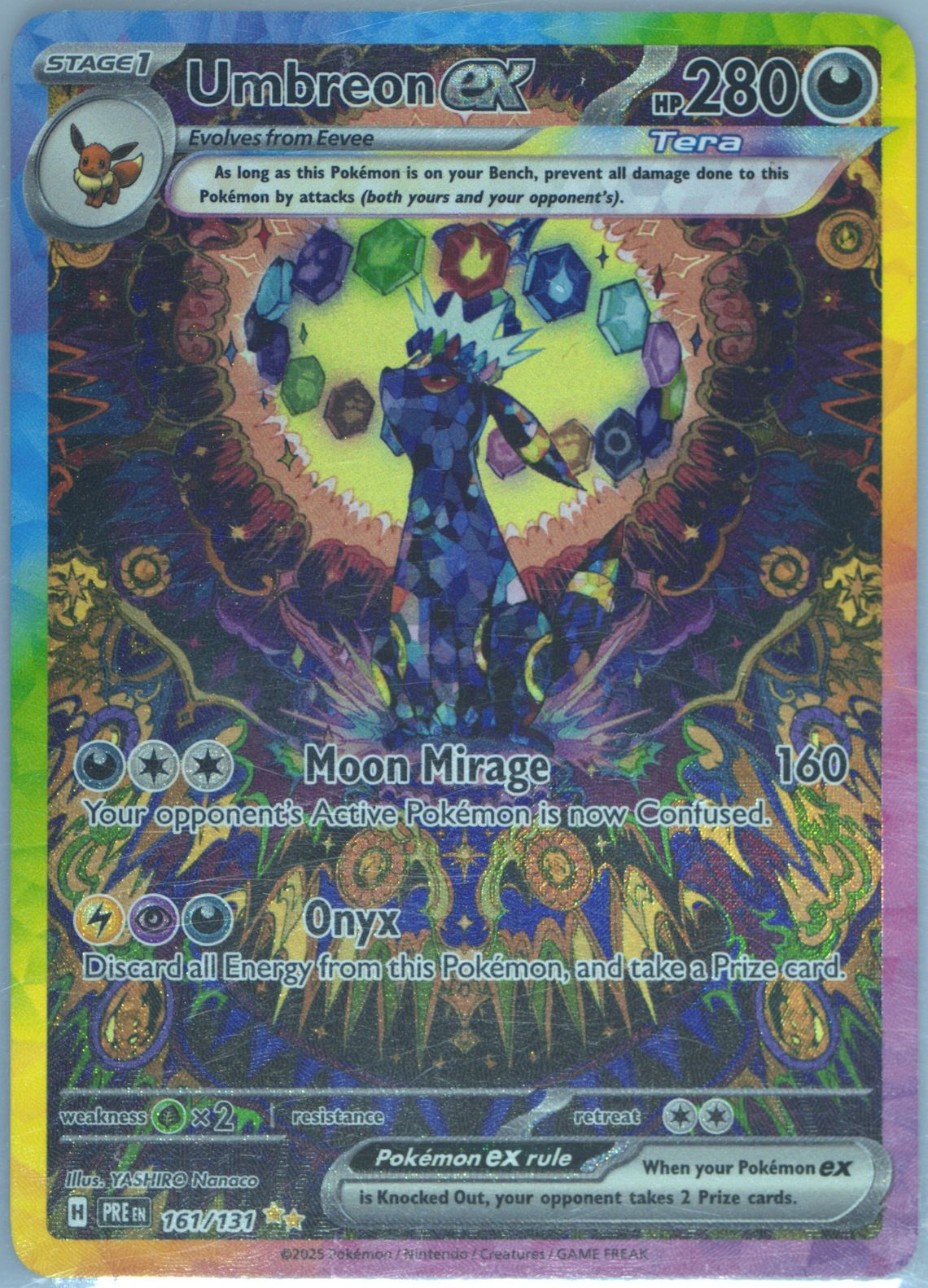
For a card like the Prismatic Evolutions Umbreon ex SIR, there's a massive price difference between raw and graded copies, and between a PSA 9 and PSA 10. Misprint shows you all of that in one place.
Verdict
Best for graded cards, pricing depth, and vintage cards. If you want to actually understand what a card is worth rather than just get a quick number, this is the tool.
Best for: Graded cards, price research, vintage cards, serious collectors.
Collectr
Collectr was a relatively new entry when we wrote our 2025 roundup, and at the time it was promising but rough around the edges. A year later, it's matured quite a bit.
What's New in 2026
Collectr added a collection management feature that syncs across devices, and the UI got a complete overhaul that makes it much more pleasant to use. They also improved their pricing by partnering with PriceCharting for additional data points.
The most interesting addition is their "Quick Value" mode, which lets you scan an entire binder page at once — up to 9 cards — and get approximate values for all of them simultaneously. We found the identification accuracy in this mode to be lower than single-card scanning (around 70% vs 86% for single scans), but for rough sorting it's incredibly fast.
Accuracy
- Common/uncommon identification: 93% accurate.
- Holo and ultra rare identification: 86% accurate.
- Vintage card identification: 72% accurate.
- Japanese cards: 44% accurate. Worst in our test.
- Graded slabs: 68% accurate on label scanning. It works, but not as reliably as Misprint.
Pricing Quality
Collectr's pricing pulls from a combination of TCGPlayer and PriceCharting data. The numbers are generally reasonable for modern cards but can lag behind the market for newer releases. We noticed prices for Destined Rivals cards were off by 10-20% compared to actual recent sales, likely because the data sources hadn't caught up yet.
Verdict
A solid option that's improved significantly. The binder page scanning is a genuinely useful feature that nobody else has implemented well. But the accuracy and pricing depth don't quite match TCGPlayer or Misprint.
Best for: Quick collection cataloging, binder scanning, casual collectors.
PokeData
PokeData has carved out a niche as the data-heavy option for people who want charts, analytics, and market trends alongside their scans. It's less of a scanner and more of a market research tool that happens to have scanning.
What's New in 2026
PokeData added an AI-powered price prediction feature that attempts to forecast where a card's price is heading based on historical trends, set age, print run data, and market sentiment. We're skeptical of price prediction in general (the card market is driven by nostalgia and hype cycles that no algorithm can reliably predict), but the historical data presentation is genuinely excellent.
They also expanded their database to include more promo cards and special releases, which was a gap last year.
Accuracy
- Common/uncommon identification: 91% accurate.
- Holo and ultra rare identification: 84% accurate.
- Vintage card identification: 79% accurate.
- Japanese cards: 71% accurate. Second best in our test, behind Misprint.
- Graded slabs: 76% accurate.
Pricing Quality
PokeData's pricing is sourced from eBay sold listings, which means you're seeing what cards have actually sold for rather than what someone is asking. This is arguably more useful than marketplace listing prices, though the data can be noisy — one-off auctions, best offer sales where the final price is hidden, and international shipping deals can all skew the numbers.
The charting tools are the real draw. You can see price trends going back years, compare multiple cards side by side, and track your collection's value over time with more granularity than any other app we tested.
Verdict
Best for data enthusiasts and collectors who want to understand market trends. The scanning is adequate but not the main draw.
Best for: Market research, price trend analysis, advanced collectors.
CardCatcher
CardCatcher is the newest app on this list, having launched in mid-2025. It's focused entirely on speed — the pitch is that you can scan and price your entire collection faster than any other app.
What's New in 2026
Since it launched less than a year ago, everything is relatively new. The key feature is what they call "Stream Scan" — you hold your phone over a stack of cards and flip through them one by one. The app continuously captures and identifies cards as you flip, without needing to tap a button or wait for confirmation. In our testing, we averaged about 3 seconds per card with Stream Scan, which is roughly twice as fast as TCGPlayer's batch mode.
Accuracy
- Common/uncommon identification: 90% accurate.
- Holo and ultra rare identification: 78% accurate. This is where the speed-first approach shows its weakness.
- Vintage card identification: 65% accurate. Not great.
- Japanese cards: 38% accurate. The worst in our test by a significant margin.
- Graded slabs: Not supported.
Pricing Quality
CardCatcher sources its pricing from a combination of TCGPlayer and eBay data, but the implementation feels thin. You get a single price number with no context — no sales history, no trend data, no grade-specific pricing. For quick and dirty sorting, that's fine. For making actual buying or selling decisions, you'll want to verify elsewhere.
Verdict
If speed is your only concern and you're scanning modern ungraded singles, CardCatcher is the fastest option available. But the accuracy trade-off is real, especially for holos and vintage cards. We'd recommend using it for an initial rough sort and then re-scanning your valuable finds with a more accurate app.
Best for: Speed scanning large collections of modern cards.
Pokellector
Pokellector isn't really a scanner app in the traditional sense — it's a set checklist and collection tracker that happens to have a scan feature. But enough people use it for scanning that it deserves a mention.
Accuracy
Pokellector's scanning is focused on set identification rather than pricing. Point it at a card and it'll tell you what set it's from and add it to your collection checklist. For this specific purpose, it's actually very good — 94% accurate across our test stack. But it doesn't give you prices, which means it's solving a different problem than the other apps on this list.
Verdict
Use Pokellector for tracking your collection by set completion, not for pricing. It's excellent at what it does, but "what it does" is narrower than the other options here.
Best for: Set completion tracking, collection cataloging.
Google Lens
We included Google Lens in our 2025 roundup and we're including it again because it's still the best answer to a specific question: "What the heck is this card?"
Google Lens isn't a card scanner. It doesn't give you prices. What it does is identify an unknown card by searching the internet for visual matches. When you're holding a weird Japanese promo from 2003 or a card you've never seen before, Google Lens will usually point you in the right direction within seconds. Once you know what you're looking at, you can go to Misprint or TCGPlayer for the actual pricing.
Best for: Identifying unknown cards, especially foreign language and promo cards.
The Verdict: Which Scanner Should You Use?
Here's the honest answer: you probably need more than one.
After spending three days scanning 200 cards across seven different apps, our recommendation is a two-app approach:
For most people: Use TCGPlayer for fast scanning of ungraded collections, and Misprint for anything you want to dig deeper on — graded cards, vintage cards, understanding actual market value.
For data-driven collectors: Add PokeData for its charting and trend analysis tools.
For massive collections: Start with CardCatcher for the initial speed sort, then re-scan your finds with TCGPlayer or Misprint for accurate pricing.
For set collectors: Keep Pokellector around for tracking set completion.
The scanning technology across the board has improved noticeably since our 2025 roundup, especially for holographic and textured cards. Japanese card recognition is still the biggest gap industry-wide, and error card detection remains essentially non-existent. We expect both of those to improve over the next year as these apps continue to invest in their image recognition models.
Tips for Getting Better Scans
These tips apply regardless of which app you're using:
Lighting Matters More Than You Think
Scan in even, diffused lighting. Overhead fluorescent lights create harsh glare on holos that confuse every scanner we tested. Natural daylight from a window (not direct sunlight) gave us the best results. If you're scanning at night, angle your desk lamp so the light hits the card indirectly.
Background Matters Too
Scan against a solid, dark background. A black mousepad or a dark desk surface works great. Busy backgrounds with text, patterns, or other cards in frame cause misidentification across all apps.
Angle and Distance
Hold the card flat, about 6-8 inches from the camera. Avoid tilting the card, which is tempting with holos because you want to show off the shine, but it makes identification harder. If a holo isn't scanning, try slightly tilting it until the glare moves off the card name and artwork.
Sleeves and Toploaders
Cards in penny sleeves scan fine in most apps. Cards in thick toploaders can cause glare issues. If a toploader scan fails, try removing the card (carefully) or adjusting your angle to eliminate the toploader reflection.
When to Skip the Scanner
Some cards just don't scan well and you're better off typing in the name manually. Foreign language cards (except Japanese in Misprint and PokeData), error cards, and very old promos fall into this category. If a scanner fails on the same card twice, don't keep trying — just look it up.
Final Thoughts
The Pokemon card scanner space is more competitive than it's ever been, which is great for us as users. Apps that were decent in 2025 have gotten genuinely good in 2026, and the new entrants are pushing everyone to innovate faster.
If you want to check what your collection might be worth, start scanning. If you want the full picture on a card's value, check out our guides on how Pokemon card pricing works and how to tell if a Pokemon card is valuable. And if you're sitting on a collection you're thinking about selling, our guide on the best places to sell Pokemon cards will point you in the right direction.
Happy scanning.