Can You Scan Pokemon Cards to Get Prices? (Full Guide)
The short answer is yes. The real answer is it depends.
By Misprint Editorial | Published Jan 24, 2026 | 12 min read

You just found a shoebox of Pokemon cards in your closet. Here's exactly how to find out what they're worth without typing in every single card name.
So you've got Pokemon cards and you want to know what they're worth. Maybe you just inherited a binder from a relative. Maybe you found your childhood collection during a move. Maybe you bought a lot at a garage sale and want to know if you struck gold. Whatever the reason, you're wondering: can I just scan these cards with my phone and get prices?
The answer is yes. Phone apps exist that let you point your camera at a Pokemon card, and within a few seconds, they'll tell you what the card is and what it's worth. It's genuinely useful technology that can save you hours of manual lookups. But — and this is important — the price you see on a scan isn't always the price your card will sell for. Understanding the gap between "scanner price" and "real value" is the difference between making smart decisions and getting burned.
This guide is for beginners. If you've never used a card scanner app before, we'll walk you through the entire process from start to finish.
How Pokemon Card Scanning Works
When you scan a Pokemon card with an app, here's what happens behind the scenes:
- Your phone camera captures an image of the card
- Image recognition software analyzes the photo — looking at the artwork, card name, set symbol, card number, and other visual features
- The app matches the image against a database of known Pokemon cards
- Once the card is identified, the app pulls up pricing data from its data source (usually a marketplace like TCGPlayer, or aggregated sales data from eBay and other platforms)
- You see the card name and a price (or price range) on your screen
The whole process takes about 2-5 seconds per card depending on the app and your phone.
That sounds simple, and for most modern cards, it really is that simple. Where it gets complicated is with older cards, rare variants, holographic cards, and cards where the difference between two printings is subtle but the price difference is massive.
Step-by-Step: How to Scan Your First Pokemon Card
Let's walk through this from scratch. You have a stack of cards and a phone. Here's what to do.
Step 1: Download a Scanner App
You have several options, and we go deep on all of them in our 2026 scanner app roundup. For getting started, we recommend two:
- TCGPlayer app (free, iOS and Android) — Best for quick scanning of ungraded cards. Largest card database. Gives you marketplace prices.
- Misprint (free, iOS and Android) — Best for detailed pricing, especially for graded cards and vintage cards. Shows historical price trends and data from multiple marketplaces.
Download one or both. You don't need to create an account to start scanning on either app, though an account lets you save your scans.
Step 2: Set Up Your Scanning Area
This step makes a bigger difference than most people expect. A good scanning setup means faster, more accurate scans. A bad setup means constant misidentifications and frustration.
Lighting: Use bright, even lighting. Natural daylight from a window is ideal. Avoid direct overhead lights (especially fluorescents), which create glare on holographic cards. If you're scanning at night, angle a desk lamp so the light bounces off the wall or ceiling rather than shining directly on the cards.
Background: Place cards on a solid, dark surface. A black mousepad, dark desk, or even a dark t-shirt laid flat works great. Avoid busy backgrounds, white surfaces (too much contrast), and surfaces with text or patterns.
Position: Hold your phone about 6-8 inches above the card, pointing straight down. Keep the card flat and fully visible in the camera frame.
Step 3: Scan the Card
Open the app and tap the scan/camera button. Frame the card in the viewfinder and hold steady. The app will capture the image and process it. Within a few seconds, you should see the card identified on screen.
On TCGPlayer, you'll see the card name, set, and current market price. On Misprint, you'll see that plus historical pricing, trend data, and grade-specific pricing if applicable.
Step 4: Check the Result
This is the step most people skip, and it's the most important. Before you move on to the next card, take two seconds to verify:
- Is this the right card? Does the card name match what you're holding?
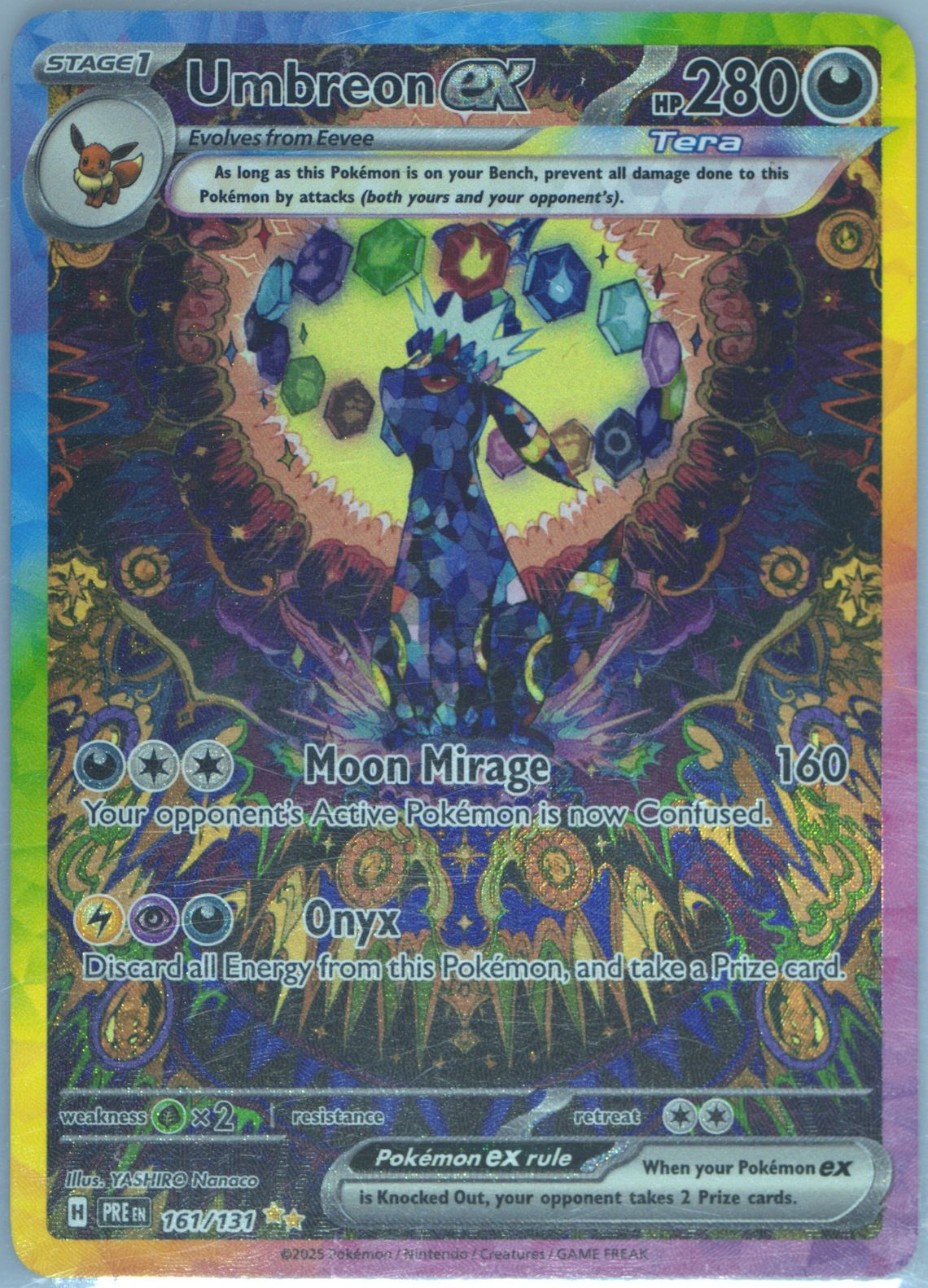
- Is this the right version? If you're scanning an older card, make sure the set and variant are correct. A Base Set Charizard and a Base Set 2 Charizard look very similar but have different values.
- Does the price seem reasonable? You don't need to be an expert. Just a quick gut check. If a beat-up common card is showing $500, something went wrong. If a card you know is valuable is showing $0.15, double-check it.
Step 5: Record or Save Your Results
Most scanner apps let you save scans to a collection. Do this, especially if you're going through a large stack. It gives you a running total of your collection's value and a record of what you've scanned. On Misprint, saved scans sync across devices so you can start on your phone and review later on your computer.

Which App Should You Use?
This depends on what you're scanning and why. Here's a quick decision guide:
"I just want to know if anything in this stack is worth money"
Use TCGPlayer. It's fast, the database is huge, and the batch scanning mode lets you rip through cards quickly. Anything that shows up as worth more than a few dollars, set aside for further research.
"I have some cards that might be really valuable and I want accurate pricing"
Use Misprint. The aggregated pricing from multiple sources gives you a more accurate picture of true market value, especially for cards worth $20+. The historical price trend tells you whether a card's price is stable, rising, or falling — which matters a lot if you're deciding when to sell.
"I have graded cards in slabs"
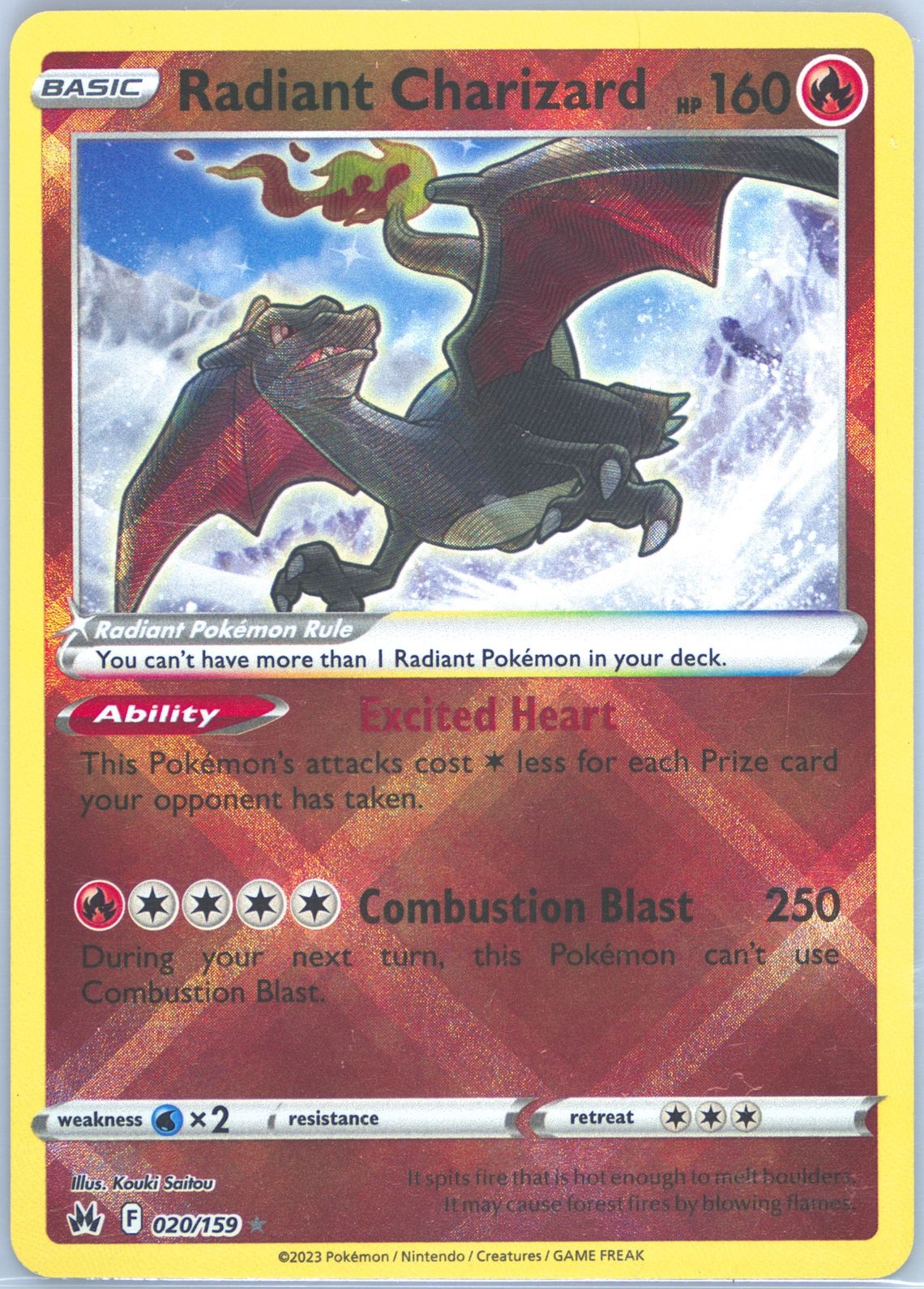
Definitely use Misprint. It's the only app that does graded card label scanning well, and the grade-specific pricing is essential. A Radiant Charizard in PSA 10 is worth significantly more than a raw copy, and you need an app that reflects that.
"I have Japanese or foreign language cards"
Start with Misprint (best Japanese card support) or PokeData (second best). If those fail, try Google Lens to identify the card first, then look up the price manually.
"I have hundreds or thousands of cards to get through"
Start with TCGPlayer or CardCatcher for a fast initial sort. Pull out anything flagged as worth $1 or more. Then re-scan the valuable cards with Misprint for more accurate pricing. We cover more efficient methods for handling large collections in our guide on finding your Pokemon card collection's value.
What the Scanner Price Actually Means
This is crucial and most people miss it. The price number you see on a scanner is not a guaranteed sale price. It's not what someone will definitely pay you. It's one data point that means different things depending on the app.
TCGPlayer Market Price
When TCGPlayer shows you a price, that's the rolling average of recent sales on the TCGPlayer marketplace specifically. It's based on Near Mint condition copies. If your card is in worse condition — scratched, whitened edges, bends — the actual value is lower, sometimes significantly lower.
Misprint Price
When Misprint shows you a price, it's aggregated from multiple marketplaces including eBay, auction houses, and the Misprint marketplace. You also see a price range (low to high recent sales) which gives you a more realistic picture. For graded cards, you see grade-specific pricing.
What About eBay Sold Prices?
Some apps pull from eBay sold listings. These represent what someone actually paid, which is useful, but includes shipping costs, international sales, and best-offer transactions where the final price might be hidden. eBay-sourced prices tend to be noisier but sometimes more representative of the "real" market than marketplace listings.
The Condition Problem
No scanner app can assess the condition of your card. The price assumes your card is in a certain condition (usually Near Mint), but your card might be anywhere from Pristine to Damaged. Here's a rough guide to how condition affects value:
- Near Mint (NM): Full price. The default scanner price assumes this.
- Lightly Played (LP): About 75-85% of NM price.
- Moderately Played (MP): About 50-70% of NM price.
- Heavily Played (HP): About 30-50% of NM price.
- Damaged: About 10-30% of NM price, sometimes less.
So if a scanner shows your card at $40 but it has visible scratches, whitening on the edges, and a small crease, the realistic value might be $15-25. This is the single most common reason people are disappointed when they try to sell cards "at scanner price."
For more on condition and pricing, our guide on how Pokemon card pricing works goes into detail.
When Scanner Prices Are Wrong
Scanners get prices wrong in predictable ways. Knowing these patterns helps you spot bad data before it leads to bad decisions.
Wrong Variant Identified
This is the most common and most costly error. If a scanner identifies your Unlimited Base Set card as a 1st Edition, the price shown could be 50-100x too high. If it identifies your reverse holo as a regular holo (or vice versa), the price might be off by a meaningful amount.
How to catch it: Always check the set symbol and any variant labels (1st Edition stamp, reverse holo markings) against what the scanner shows. If you're not sure how to read set symbols, we have a guide for that.
Stale Pricing Data
Card prices can change rapidly, especially for new releases. A card from a set that just dropped might show a wildly inflated price because the scanner is pulling from the first few sales when supply was low. Conversely, a card that spiked overnight due to a viral video won't show the new price until the scanner's data updates.
How to catch it: If a price seems unusually high or low, check when the data was last updated (some apps show this) and look at recent eBay sold listings for comparison.
Promo Card Confusion
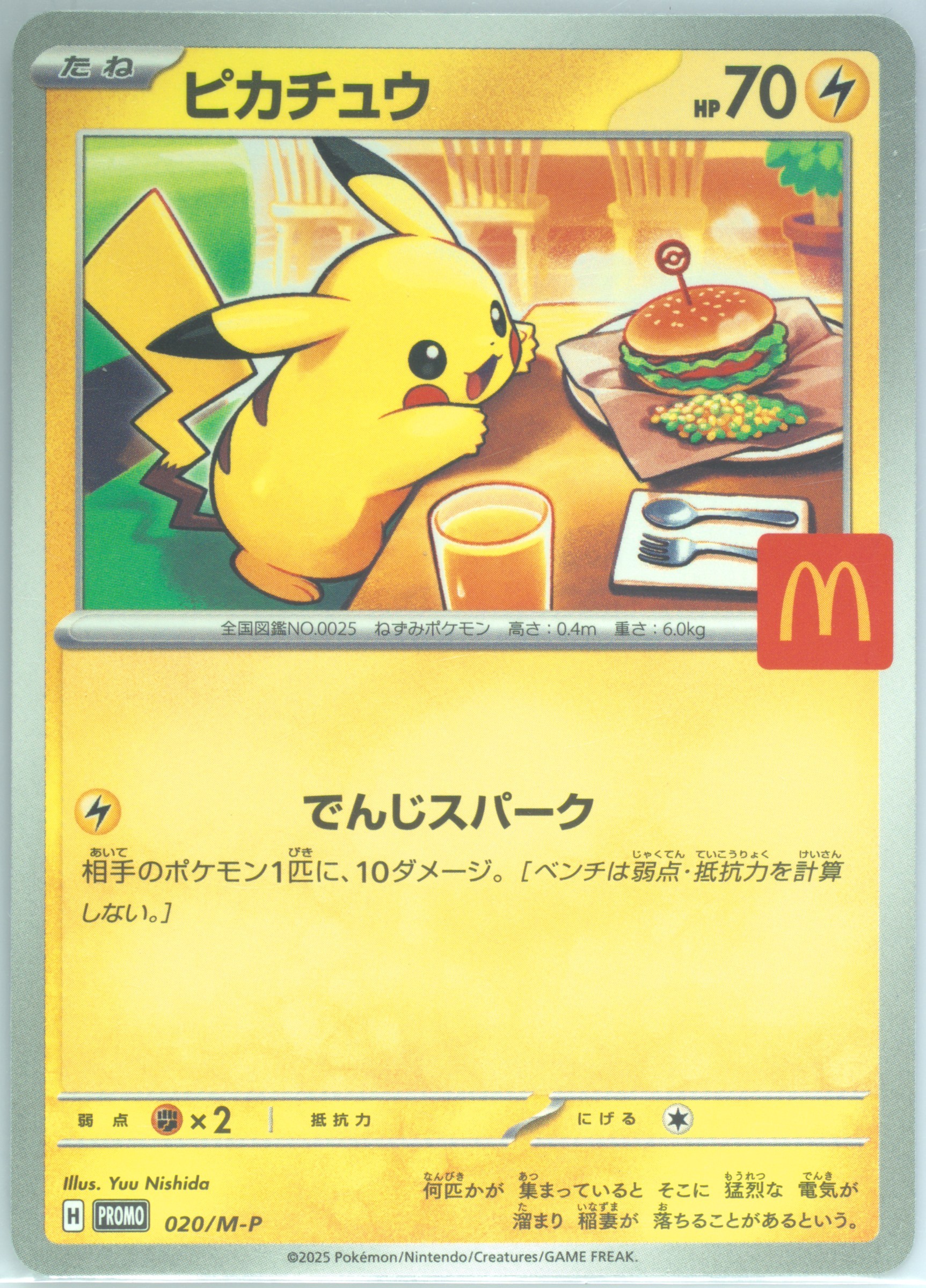
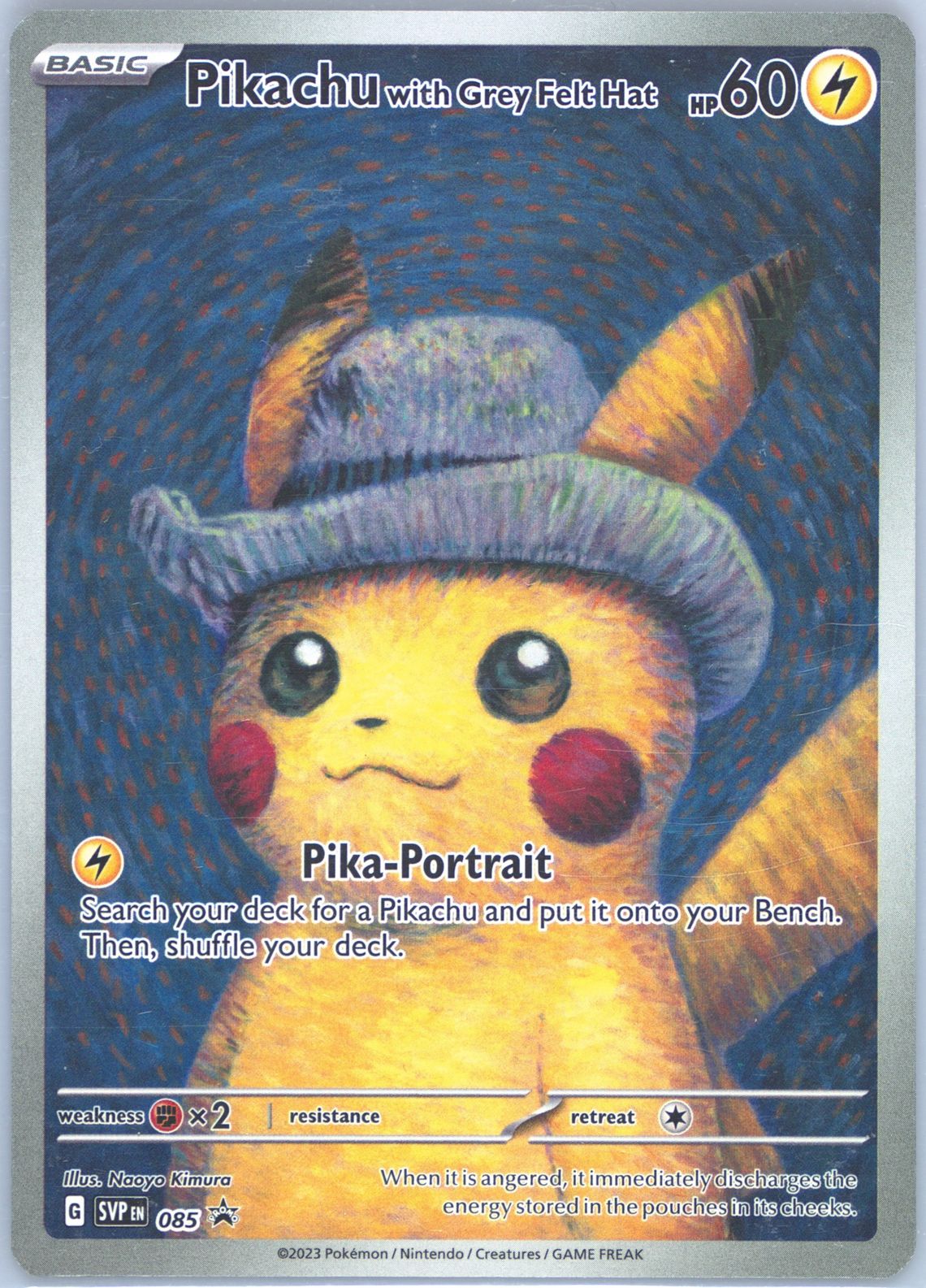
Promo cards are frequently misidentified or priced incorrectly because they exist outside normal set structures. A McDonald's Pikachu might be identified as a regular set Pikachu, which would show the wrong price.
How to catch it: If your card has a promo stamp or was obtained from a special promotion, verify that the scanner identified the correct promo version.
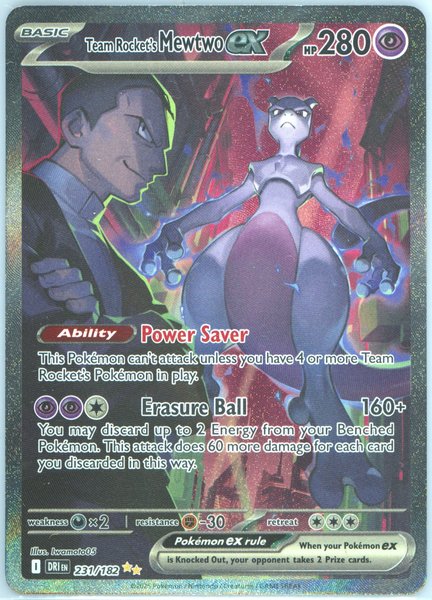
Graded vs Ungraded Pricing
If you scan a graded card with an app that only shows ungraded prices, the price will be wrong — potentially by a lot. A raw Near Mint card might be worth $30, but the same card in a PSA 10 slab could be worth $150+. Always use a scanner that supports grade-specific pricing (like Misprint) for graded cards.
Scanning Tips for Specific Card Types
Holographic Cards
Holos are the hardest cards for scanners to read because the reflective surface creates visual noise. Tips:
- Tilt the card slightly to move the glare away from the card name and set symbol
- If it won't scan, try a different angle or lighting
- Cover the holo portion with your finger briefly to get a clean scan of the text areas (this works surprisingly well)
Vintage Cards (1999-2003)
Older cards have lower print quality and smaller set symbols that scanners struggle with. Tips:
- Make sure the entire card is in frame, including the bottom edge where the copyright and set info appears
- Check the variant carefully — Base Set, Base Set 2, Shadowless, and Unlimited are commonly confused
- If the scanner identifies a vintage card, always verify the specific printing before trusting the price
Cards in Sleeves and Toploaders
Penny sleeves usually don't affect scan accuracy. Thick toploaders can cause glare. Team bags and semi-rigids are hit or miss. If you're getting bad scans through a toploader, gently remove the card for scanning.
Japanese Cards
Most scanners struggle with Japanese cards. If your app doesn't identify a Japanese card, try Google Lens to identify it visually via web search, then look up the price manually on Misprint or eBay.
Energy Cards
Regular energy cards are worth nothing ($0.01-0.05 each). However, secret rare energy cards from certain sets can be worth $5-30+. If a scanner identifies an energy card as valuable, make sure it's actually identifying a special version and not a regular one.
Building a System: Processing a Large Collection
If you have hundreds or thousands of cards, scanning every single one individually isn't efficient. Here's the system we recommend:
The Three-Pile Method
Pile 1 — Obviously valuable. Anything you can see is a holo, ultra rare, full art, or vintage card. These get individual scans with Misprint for detailed pricing.
Pile 2 — Might be valuable. Reverse holos, rares, cards from older sets you're unsure about. These get quick scans with TCGPlayer. Anything that shows up as worth $1+ gets moved to Pile 1 for more thorough research.
Pile 3 — Bulk. Modern commons, uncommons, regular rares, and energy cards. These get a quick spot-check (scan maybe 1 in 10 to make sure nothing valuable snuck in) and then treated as bulk. Bulk has its own value — we cover that in our guide on what bulk Pokemon cards are worth.
How Long Does It Take?
Using this system, you can process a collection of about 500 cards in 2-3 hours. Without a system (scanning every card individually), the same 500 cards would take 6-8 hours. The three-pile method works because the vast majority of cards in any collection are bulk, and scanning bulk individually is a waste of time.
What to Do After Scanning
You've scanned your collection. You have a rough idea of what things are worth. Now what?
If You Want to Sell
Our guide on the best places to sell Pokemon cards covers your options in detail. The short version:
- Cards worth $20+: Sell individually on Misprint, TCGPlayer, or eBay for maximum value
- Cards worth $1-20: Consider whether the time spent listing individually is worth it. Batching similar cards into small lots can be more efficient
- Cards worth under $1: Sell as bulk. Check our bulk selling guide for current rates and best practices
If You Want to Keep and Collect
Use the scanner data to identify your most valuable cards and protect them properly. Cards worth $10+ should be in penny sleeves and toploaders at minimum. Cards worth $50+ might be worth sending for professional grading.
If You're Unsure
Start by understanding what makes a card valuable. Our guide on how to tell if a Pokemon card is valuable walks you through the key factors: rarity, condition, age, and market demand.
Common Questions
Can I scan Pokemon cards for free?
Yes. TCGPlayer and Misprint both offer free scanning. You don't need to pay for any app to scan cards and get prices.
Do scanner apps work for Japanese Pokemon cards?
Some do, with varying accuracy. Misprint has the best Japanese card support currently. See our accuracy breakdown for specifics.
Can I scan a whole binder page at once?
Collectr offers a multi-card scan feature, but accuracy drops compared to single-card scanning. For valuable cards, always scan individually.
Can I scan graded cards in slabs?
Yes, but only certain apps support it. Misprint is the best option for slab scanning. TCGPlayer does not support slab scanning.
How accurate are the prices shown?
For modern cards worth under $50, scanner prices are usually within 5-10% of actual market value. For vintage, rare, and high-value cards, accuracy varies more. We did a full deep dive on scanner accuracy if you want the detailed breakdown.
Will a scanner tell me the condition of my card?
No. No scanner app can assess card condition through a photo. The price shown assumes Near Mint condition. Adjust your expectations downward for cards in worse condition.
The Bottom Line
Yes, you can scan Pokemon cards to get prices, and the technology is genuinely useful. It's the fastest way to get a rough idea of what a collection is worth, and for most modern cards, the prices are reasonably accurate.
But "reasonably accurate" isn't "perfectly accurate." Scanner prices should be your starting point for research, not your final answer. Cross-reference valuable cards against multiple sources, account for condition, and verify that the scanner identified the correct variant of your card.
The apps keep getting better — our 2026 scanner comparison shows meaningful accuracy improvements over last year — and we expect them to keep improving. For now, the combination of a good scanner app and a little manual verification is the most efficient way to price a Pokemon card collection.